How to use SEO NEO
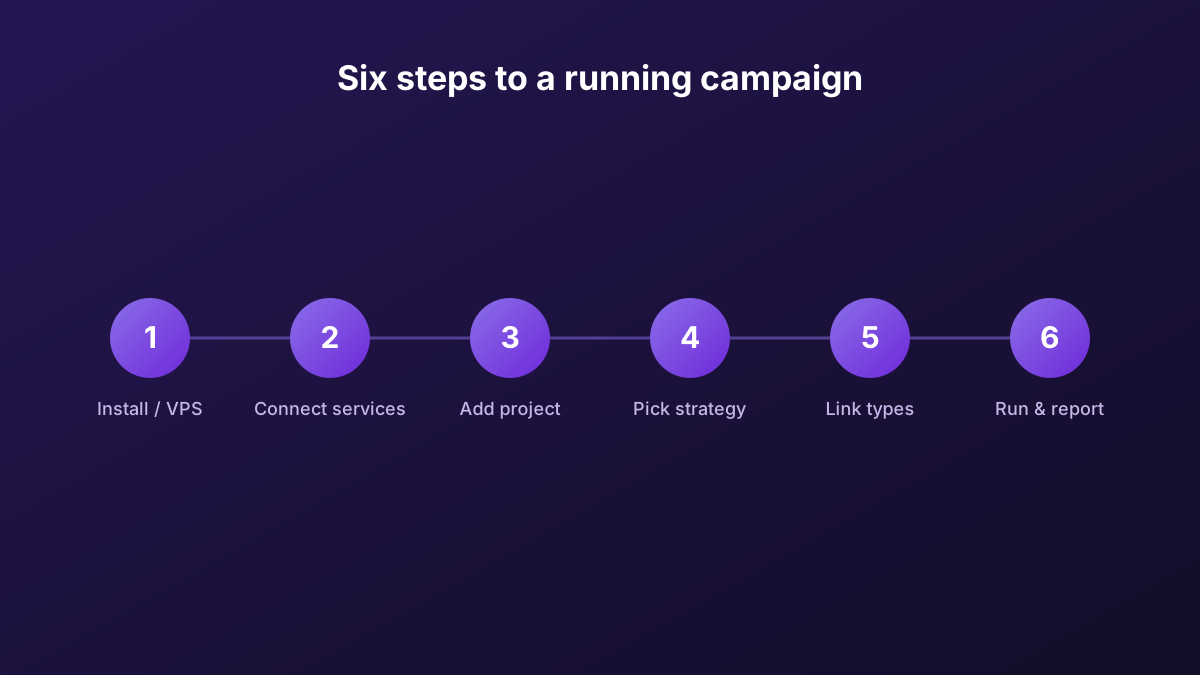
Six steps from install to a running campaign: set up the machine, connect your services, build a project, pick a strategy, choose link types, then run, index and report.
SEO NEO is feature-rich, but the core workflow is straightforward. Here's the practical sequence. The vendor also ships an in-app "Learn SEO NEO" module and full documentation.
Install SEO NEO (or run it on a VPS)
Install SEO NEO on a machine that meets the spec — 8-core CPU, 16 GB RAM, NVMe. Most users install it on a dedicated SEO NEO VPS so it runs 24/7 without tying up their own computer.
Connect your services
Add your captcha, spinner, content and indexing accounts. SEO NEO integrates 2Captcha/XEvil/Capmonster, Spin Rewriter/WordAI, OpenAI/Article Forge and Omega Indexer among others.
Add your project
Enter the URL, keywords and anchor-text settings you want to rank. Choose your content source (OpenAI, Article Forge or your own).
Pick a strategy or wizard
Use a pre-made diagram template or wizard to structure your campaign — tiers, link types and content flow — or build your own.
Choose link types
Select cloud blogs, high-authority sites, self-hosted WordPress, and (for local) the GBP module, depending on your goal.
Run, index and report
Start the campaign, let SEO NEO build and push links to indexing, then generate a white-label report to track progress.
Tips for better results
- Start with a wizard — the pre-made diagram templates encode strategies that already work.
- Mind your anchor text — keep it varied and natural across tiers.
- Use the indexing integrations — links that aren't indexed don't count; Omega Indexer and the others help.
- Run it continuously — campaigns perform best running 24/7 on a VPS.
Get SEO NEO and start a campaign
Grab the licence (free trial available) and follow the steps above. Run it on a SEO NEO VPS for 24/7 campaigns.
Get SEO NEO →Affiliate link to the official vendor. We may earn a commission at no extra cost to you.